TSRE New Vulkan Renderer

Collapse
X
 
  • Time
  • Show
Clear All
new posts
  • mnowosad
    Senior Member

    • May 2010
    • 126

    #16
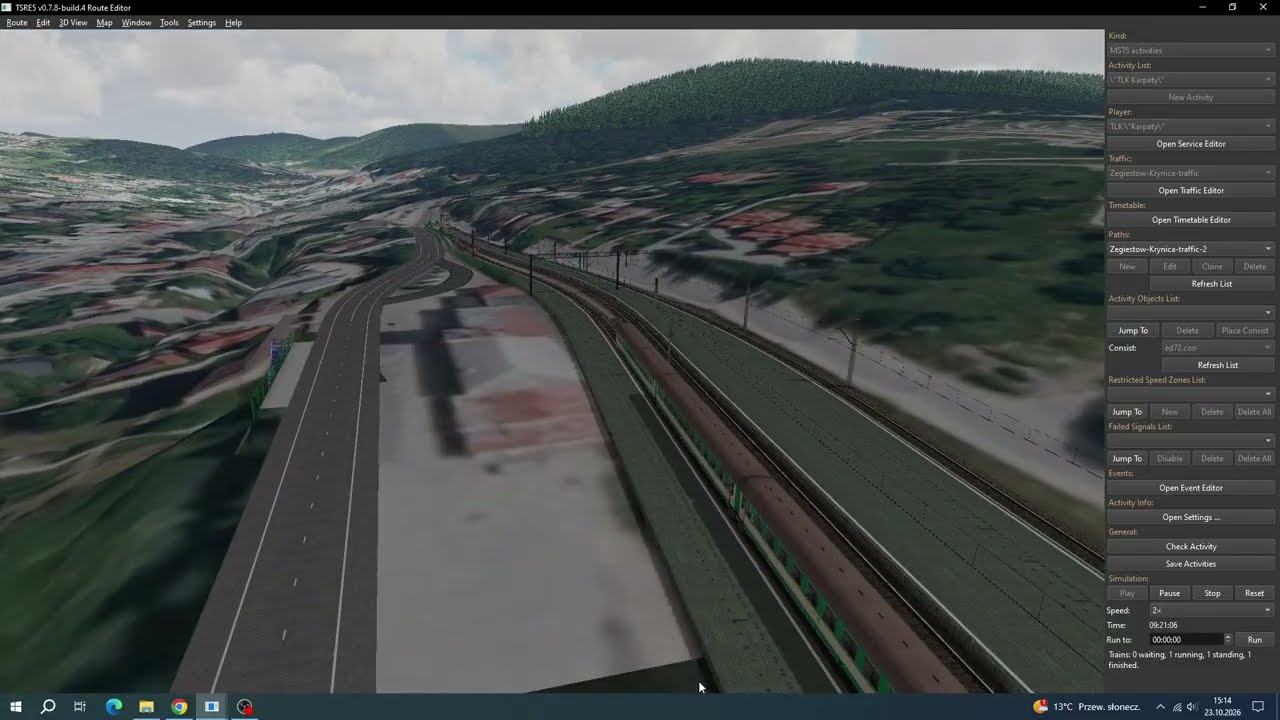
    Testing an activity in the TSRE5 Activity Editor (version v0.7.8-build.4) on the Żegiestów – Krynica test route
    Originally posted by TrainSimJack
    What kind of system are you using for those screenshots?
    OBS Studio

    https://www.youtube.com/playlist?lis...SIYbL4sRM-VMd7

    Comment

    • TrainSimJack
      Senior Member
      • Jul 2022
      • 527

      #17
      Ahh so it's fixable!?

      You're doing great work - I appreciate everything you're doing!

      Comment

      • GokuMK
        Senior Member

        • Oct 2015
        • 729
        • Poland

        #18
        Yes, already fixed:
        Highlights Train shadows follow the train: moving trains and animated objects no longer leave stale shadows or cached sky cover behind. Static consists still use cached shadows, reducing the rende...

        Comment

        • railrunner112
          Senior Member

          • Aug 2008
          • 287
          • Netherlands
          • General

          #19
          I do have to ask does the OR team have any interest in implementing this? And if not; am I seeing TSRE become its own sim? Because from an outsiders perspective it starts to look like it

          Comment

          • mnowosad
            Senior Member

            • May 2010
            • 126

            #20
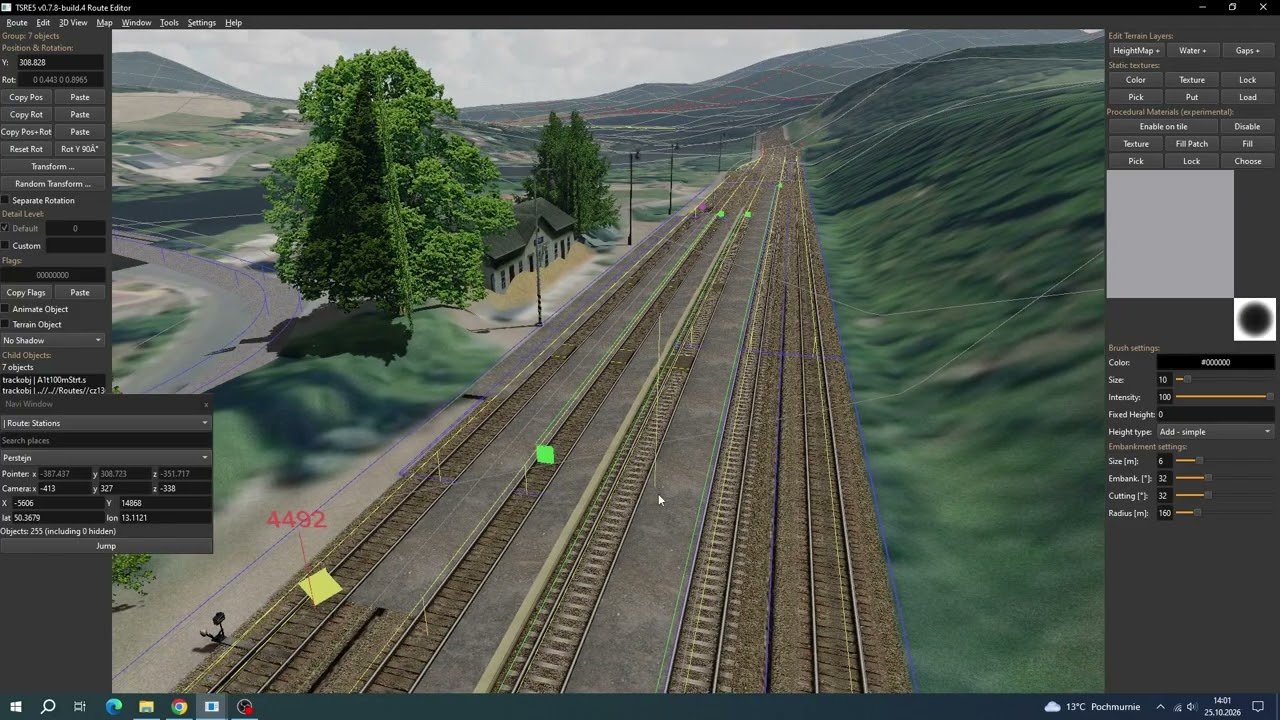
            TSRE5vc v0.7.8 Route Trať 130 Ústí nad Labem - Chomutov - Terrain Editing Test 1
            https://www.youtube.com/playlist?lis...SIYbL4sRM-VMd7

            Comment

            • rdayt
              1000 Post Veteran

              • Nov 2007
              • 1291
              • SW MO
              • ORTS

              #21
              tsrenew1.jpg
              Blown away he is.

              Randy

              Comment

              • scottb613
                2500 Post Veteran


                • Apr 2003
                • 2848
                • Downeast Maine (soon)
                • ORTS

                #22
                Hi Randy,

                WOW - water that looks like water - imagine that.

                Regards,
                Scott
                <a href=https://www.trainsim.com/forums/filedata/fetch?filedataid=80663&type=full title=thumb_80663.png >thumb_80663.png</a>​ My Blender Models

                Comment

                • scfe_fan
                  1000 Post Veteran


                  • Oct 2006
                  • 1207
                  • Griffith, Indiana, USA

                  #23
                  Originally posted by scottb613
                  Hi Randy,

                  WOW - water that looks like water - imagine that.

                  Regards,
                  Scott
                  I am on a never ending quest for water that looks and behaves realistically. When one of your route projects spends a good deal of time very close to and on the ocean, its kind of required.
                  Don't tell me the sky's the limit, when there's footsteps on the moon..

                  --Josh--

                  Comment

                  • rdayt
                    1000 Post Veteran

                    • Nov 2007
                    • 1291
                    • SW MO
                    • ORTS

                    #24
                    Waiting for the fish to show up.
                    tsrenew3.jpg

                    Randy

                    Comment

                    • GokuMK
                      Senior Member

                      • Oct 2015
                      • 729
                      • Poland

                      #25
                      Originally posted by rdayt
                      tsrenew1.jpg
                      Blown away he is.
                      And you are still on "Openrails Extended" graphics preset. You can try "Advanced Environment".

                      Comment

                      • mnowosad
                        Senior Member

                        • May 2010
                        • 126

                        #26
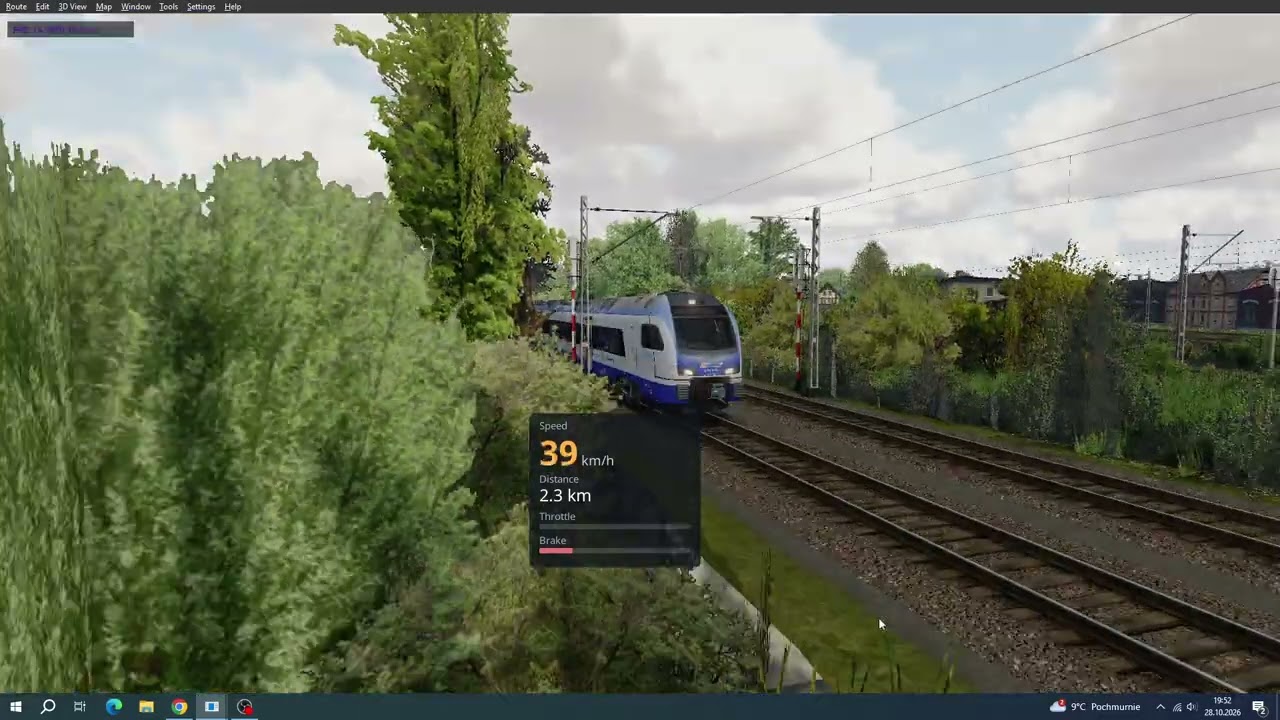
                        TSRE5vc v0.7.8-build.6 - Route Polskie Szlaki Kolejowe wersja 7.3 The End - Timetable Mode


                        TSRE5vc v0.7.8-build.6
                        Highlights
                        • PBR materials for MSTS shapes: S files can use physically based materials: a base colour, an ORM texture (occlusion, roughness, metalness and an optional clearcoat mask) and a normal map, with reflections of the sky and surroundings, clearcoat and glass. The factors are kept in a short line in the shape's .sd file. MSTS specular materials (light materials -6 and -7) are now drawn with their highlights. Shapes saved with the new PBR shaders are meant for TSRE and have not yet been tested in MSTS or Open Rails.
                        • Materials editor in the Shape Viewer: View > Shape Materials lists a shape's materials. Change their shader, textures, lighting, alpha test, z-bias and PBR factors; pick parts in the 3D view and give them a material; pack separate grayscale maps into an ORM texture; undo any change.
                        • Lighting: MSTS shapes are now lit as PBR shapes are. Shaded areas take the colour of the sky, the sun takes the colour of its light through the atmosphere (warm when low, red at sunset), and sun and sky mix as light does. A new Warmth setting (Rendering > Image, also in the Environment window; 0.2 by default) adjusts the view's white balance. Shade colours no longer jump from minute to minute at dawn and dusk, nights are less strongly blue, and night scenes are no longer too dark in the shade.
                        • Animated rolling stock and 3D cabs: wheels, bogies, running gear, pantographs, doors, mirrors and wipers move as in Open Rails, and cars rest on their bogie pivots. Doors open on the platform side at activity station stops. The train camera can ride inside Open Rails 3D cabs. The Shape Viewer's Animation menu raises pantographs and opens doors, also on a shape opened on its own.
                        • New play HUD: the play mode HUD is a scalable UI document with a draggable panel, built on Lua and RmlUi, the foundation for scripted interfaces later.
                        • Train names on the map: Map > Activity > Activity Objects > Train Names labels activity and timetable trains where they start, and while a simulation runs; click a name to pick its train. Running to a time before a run's start now asks first.
                        • Smoother loading: textures stay under a memory budget and are prepared on loader threads, and uploads and shadow updates are spread across frames, so loading and tile crossings stutter less. Optional mipmaps for shape textures (off by default) reduce shimmer at a distance. The environment map can use 512 px faces for sharper reflections in screenshots.
                        • Fixes: freight animations such as drivers sit in their place in the route view; the Shape Viewer's and Consist Editor's Copy Image and Save Image give the image as shown; the Shape Textures and Shape Hierarchy windows fill when opened after a shape has loaded; number fields no longer change while a panel is scrolled with the mouse wheel; terrain painting works with the QRhi renderer; ambient occlusion no longer shows rings around thin parts.
                        unl282 glb.jpg unl282t glb.jpg amtrak p42dc.jpg
                        Attached Files
                        https://www.youtube.com/playlist?lis...SIYbL4sRM-VMd7

                        Comment

                        • mnowosad
                          Senior Member

                          • May 2010
                          • 126

                          #27
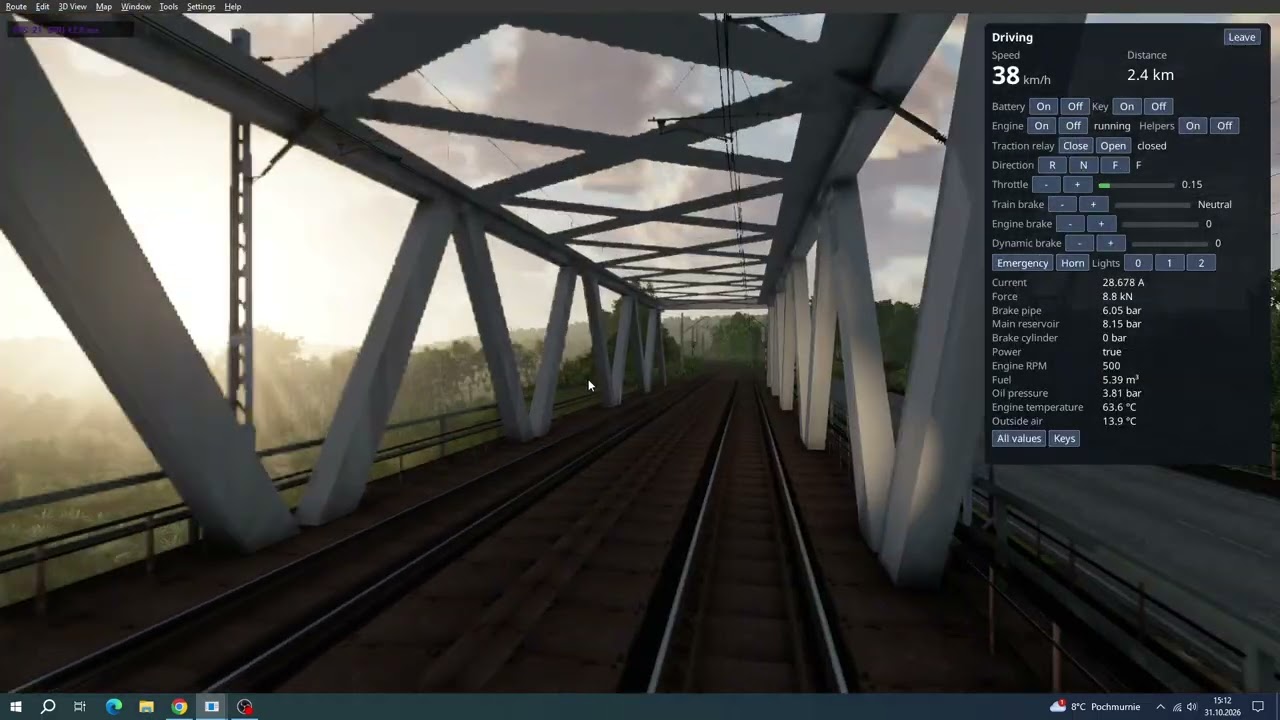
                          TSRE5vc v0.7.8-build.8 Drive a train (preview),Vehicle files read as Open Rails reads them, Motion blur (new, optional),Anti-aliasing: TAA (new, please test), Timetables open faster
                          Contribute to GokuMK/TSRE5vc development by creating an account on GitHub.


                          Youtube


                          TSRE5vc v0.7.8-build.9 Highlights
                          • Faster frames on large routes (QRhi renderer): much less processor work for each frame in busy scenes. At Prudnik's freight station (about 12,000 draws a frame) the processor's share of a frame dropped from roughly 40 ms to about 26 ms on a Steam Deck. The render queue is now ordered once a frame for every view (main view, reflections, environment map) instead of being sorted again for each, drawing is recorded with less overhead, and on Vulkan the frame's drawing data goes straight into the graphics card's buffers instead of being copied several times.
                          • Dense foliage draws much faster (QRhi renderer): trees, bushes and other alpha-tested surfaces now get a depth pass first, so each pixel's lighting is worked out once instead of once for every leaf behind it. A forest corridor at Prudnik went from 73 to 55 ms a frame, the freight station from 90 to 84 ms (Steam Deck, 1280x720). The picture stays the same. For comparison, starting TSRE with the environment variable TSRE_ALPHA_PREPASS=0 draws them as before.
                          • Forest trees without sky-coloured edges: trees of forest objects no longer show sky-coloured outlines along their leaves in front of other trees; their edges are cut out cleanly like other alpha-tested materials.
                          • CPU profiling for developers: scripts/hardware/Profile-Cpu.ps1 samples a capture with Very Sleepy, and sleepy-report.py shows where the processor's time goes.
                          TSRE5vc v0.7.8-build.8_1.jpg
                          TSRE5vc v0.7.8-build.8_2.jpg

                          TSRE5vc v0.7.8-build.8_3.jpg
                          TSRE5vc v0.7.8-build.8_4.jpg
                          TSRE5vc v0.7.8-build.8_5.jpg

                          ​
                          https://www.youtube.com/playlist?lis...SIYbL4sRM-VMd7

                          Comment

                          • gammaray84
                            Senior Member
                            • Dec 2018
                            • 180

                            #28
                            How do i enter a 3D cab?

                            Comment

                            • trampeltier
                              Member

                              • Nov 2008
                              • 24

                              #29
                              Open Rails Manual 7.2
                              Alt + 1

                              Comment

                              • gammaray84
                                Senior Member
                                • Dec 2018
                                • 180

                                #30
                                Nevermind. I got eng files mixed up.

                                When 3D cab is present, it will auto position you inside 3D cab at the start.

                                Comment

                                Working...