


Hi Folks,
Been using TSRE quite a bit lately - one thing that truly bothers me is anything that pulls my attention away from laying track - to focus on the auxiliary panels. Clearly finding the right track pieces in the menu is like pulling teeth. Working a long grade and inputting the grade on each and every track piece is extremely tedious.
Voice Attack to the rescue - yep - my favorite program once again. It's a "Voice/Joystick/Keystroke" controlled - Macro program. It supports Mice Macros which are essential for TSRE. It's so easy to generate new commands - this can easily be adapted to any phase of route building. I use it in combination with a Logitech XBox Controller - and I seldom have to touch the keyboard. Laying track is vastly faster and so much more enjoyable - not having to type "a1t......." in the search field is a godsend.
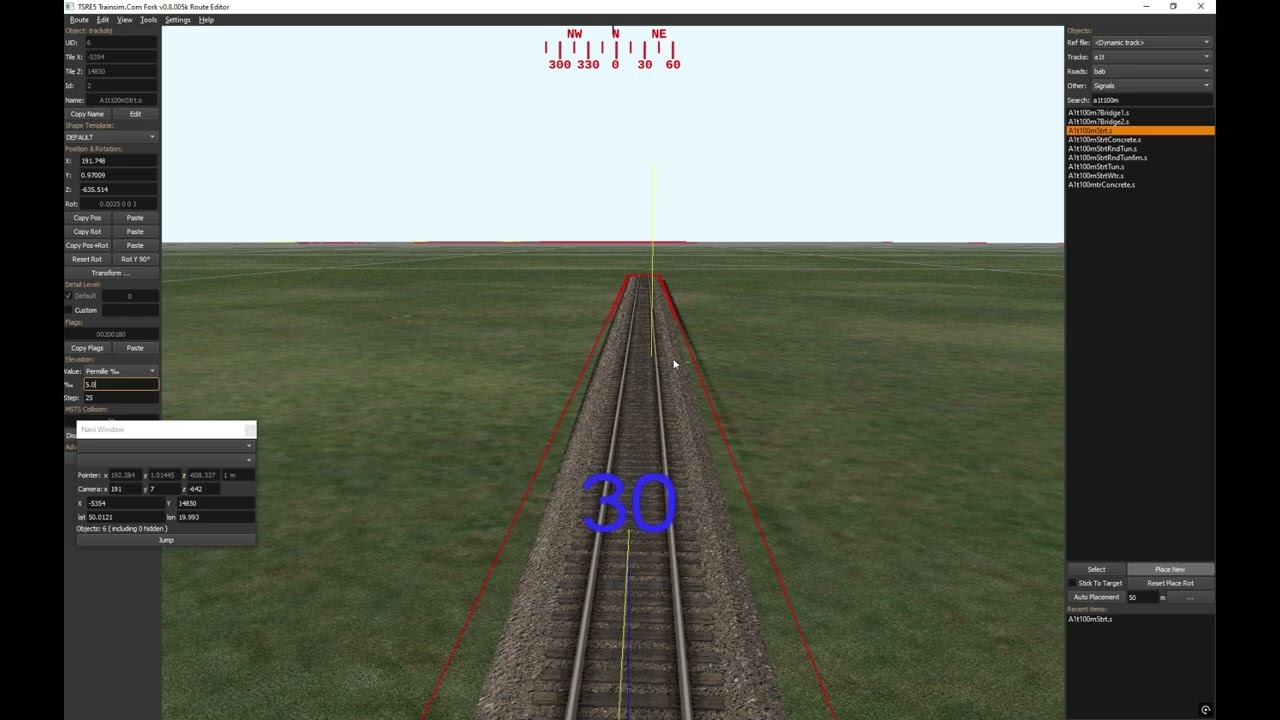
See the video I made below - just a couple minutes showing operation in TSRE.
Current TSRE Commands - some of the most common assigned to Controller:
VA_TSRE.jpg
Find Double 250 Straight - Macro Example:
The video example operates a bit slower than normal - as you can speak pretty fast - and the Text to Speech function for the demo is pretty slow. I turn it off when not in Demo Mode. After you train the speech engine a bit - it seldom misses a command.
Video Demonstration of using VA with TSRE:
Hardware: $20 Speaker Microphone - $20 Game Controller
Image3.jpg
Software: $10 Voice Attack
Just food for thought.
If there's any interest - I can post my profile. You would just have to update the screen coordinates for various TSRE fields and buttons with those from your own machine.
Regards,
Scott
Been using TSRE quite a bit lately - one thing that truly bothers me is anything that pulls my attention away from laying track - to focus on the auxiliary panels. Clearly finding the right track pieces in the menu is like pulling teeth. Working a long grade and inputting the grade on each and every track piece is extremely tedious.
Voice Attack to the rescue - yep - my favorite program once again. It's a "Voice/Joystick/Keystroke" controlled - Macro program. It supports Mice Macros which are essential for TSRE. It's so easy to generate new commands - this can easily be adapted to any phase of route building. I use it in combination with a Logitech XBox Controller - and I seldom have to touch the keyboard. Laying track is vastly faster and so much more enjoyable - not having to type "a1t......." in the search field is a godsend.
See the video I made below - just a couple minutes showing operation in TSRE.
Current TSRE Commands - some of the most common assigned to Controller:
VA_TSRE.jpg
Find Double 250 Straight - Macro Example:
Code:
Begin Integer Compare : [_speech] Equals 1
    Say, '{CMD}'  (and wait until it completes)
End Condition
Fully restrict mouse movement
Move mouse cursor to screen coordinates (1850, 165)
Click left mouse button [duration 0.5 seconds]
Press Left Ctrl+A keys and hold for 0.15 seconds and release
Quick Input, 'a2t250m'
Unrestrict mouse movement
Play sound, '{VA_SOUNDS}\confirmation_beep.wav'
The video example operates a bit slower than normal - as you can speak pretty fast - and the Text to Speech function for the demo is pretty slow. I turn it off when not in Demo Mode. After you train the speech engine a bit - it seldom misses a command.
Video Demonstration of using VA with TSRE:
Hardware: $20 Speaker Microphone - $20 Game Controller
Image3.jpg
Software: $10 Voice Attack

Just food for thought.
If there's any interest - I can post my profile. You would just have to update the screen coordinates for various TSRE fields and buttons with those from your own machine.
Regards,
Scott


Comment