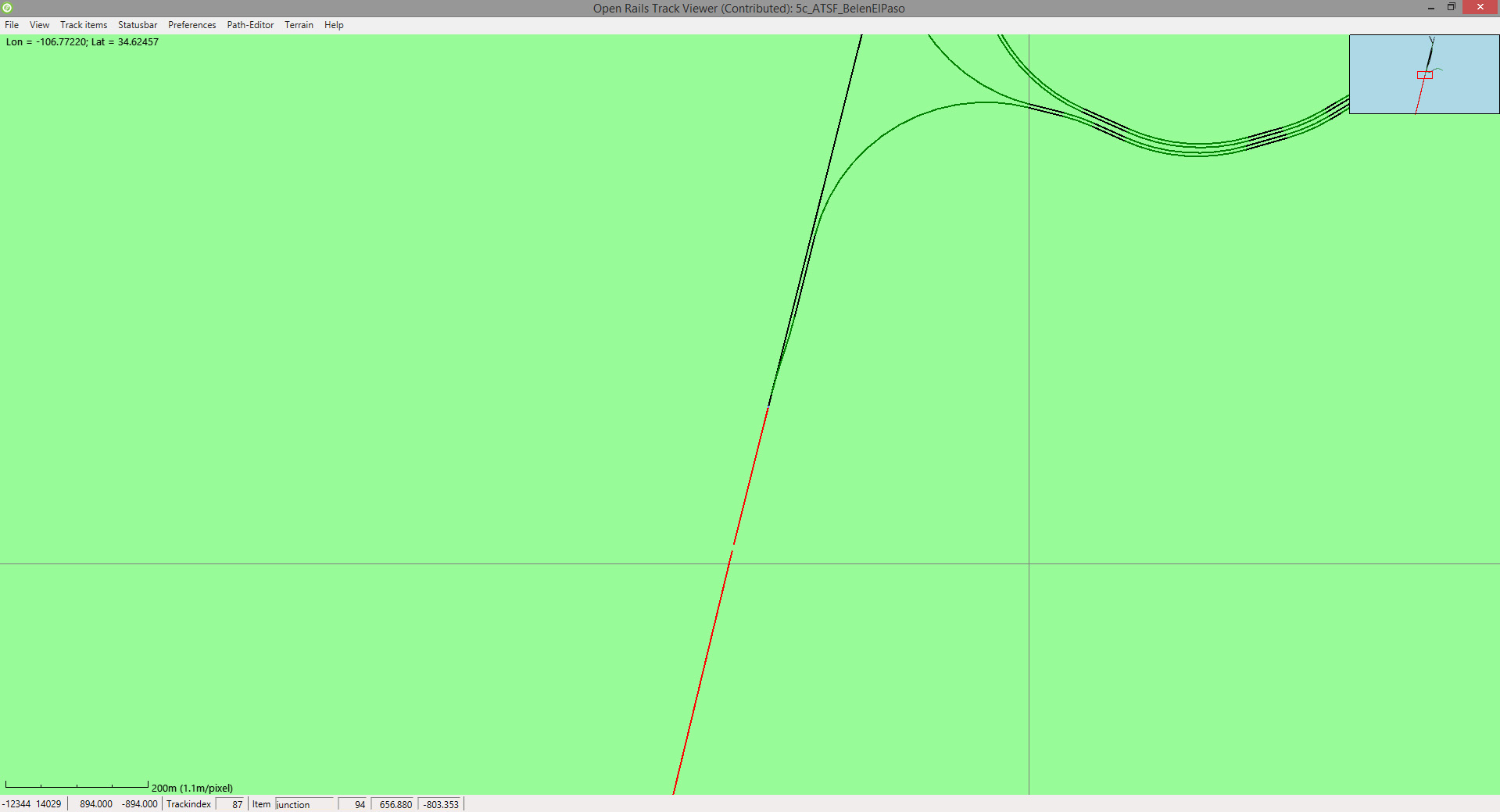
Have discovered this quirk with the new route. Was surprised that Track Viewer allowed me to create a path from one end to the other, leaping the gaps.
That quirk is not in the route, but in your installation. I just drive the route and don't have the missing track shapes you see in that Youtube movie, nor do I have those strange jumps. It is probably caused by your Global folder (missing trackshapes or not the right Tsection). If that is not the problem it could also be a problem with the latest version of Open Rails. I still use the former version
Yup, there doesn't appear to be a gap from the TDB's perspective, otherwise you'd have blue poles.
If you like what you see here at Trainsim.com, be it the discussions and knowledge in the forums, or items available in our library, I hope you'll consider a paid membership to help support keeping the site operating.... Thanks!
I just did a test run and while I'm getting the gaps between the tracks as per geepster's video, I'm not getting the jumps across the route though. I used 1.51 for my test. What versions are you using geepster and Vincent?
I'm a bit embarrassed to say it but after all these years I still don't know how to identify a problem in a route** vs an issue with the tsections/new roads/x tracks or other global folder contents vs a "quirk" between versions of the sim. Can any of you that know please weigh in on a "fix" as I'm assuming others will encounter the same issue with this route or another from time to time.
** No offence intended Dan. Given Vincent's comments I'm sure what I'm encountering isn't an issue with your route.
Going back to 1.4, had the same issues PLUS plenty of grayed-out terrtex. Non-standard sizes that 1.4 couldn't parse?
Upgrading to tsection 60 solved the jumping, but still had missing track sections in Belen yard and at all the straightaway micro-turns.
Upgrading to complete Xtracks 3.22 (dated 2024) that includes the tsection60 solved the missing track sections. But I noticed the ballast was wider on those micro-turns.
So evidently there are minimum version requirements of OR and Xtracks that was not specified in the readme.
I don't have any problems with this route, and I don't use version 1.6 yet of Open Rails. I still use the former version. The jumps are for sure caused by your Tsection. My version of the Tsection is Build 00054. All routes I use (also the very new ones) still work very smooth on that. The missing Track pieces are just missing from the Shapes folder in your Global folder. Maybe the creator of this route used some track pieces that you don't have in your install.
spikes.jpg I installed this route into my ATSF mini which contains Bob Wirth's routes plus Cajon by Patrick Wise. Initially I had missing track sections which was solved by installing the default-track-atrack-01apr25 file. On first testing I ran north from El Paso and found a section where the train entered the "twilight zone" and re-appeared a few metres further along the track, found the same anomoly at the entrance to Broad Canyon passing track. Shut the sim down and looked at the tsection version I was running, 38.
Installed version 60, now no twilight zone excursions, and no missing track sections. All in all, a very nice route.
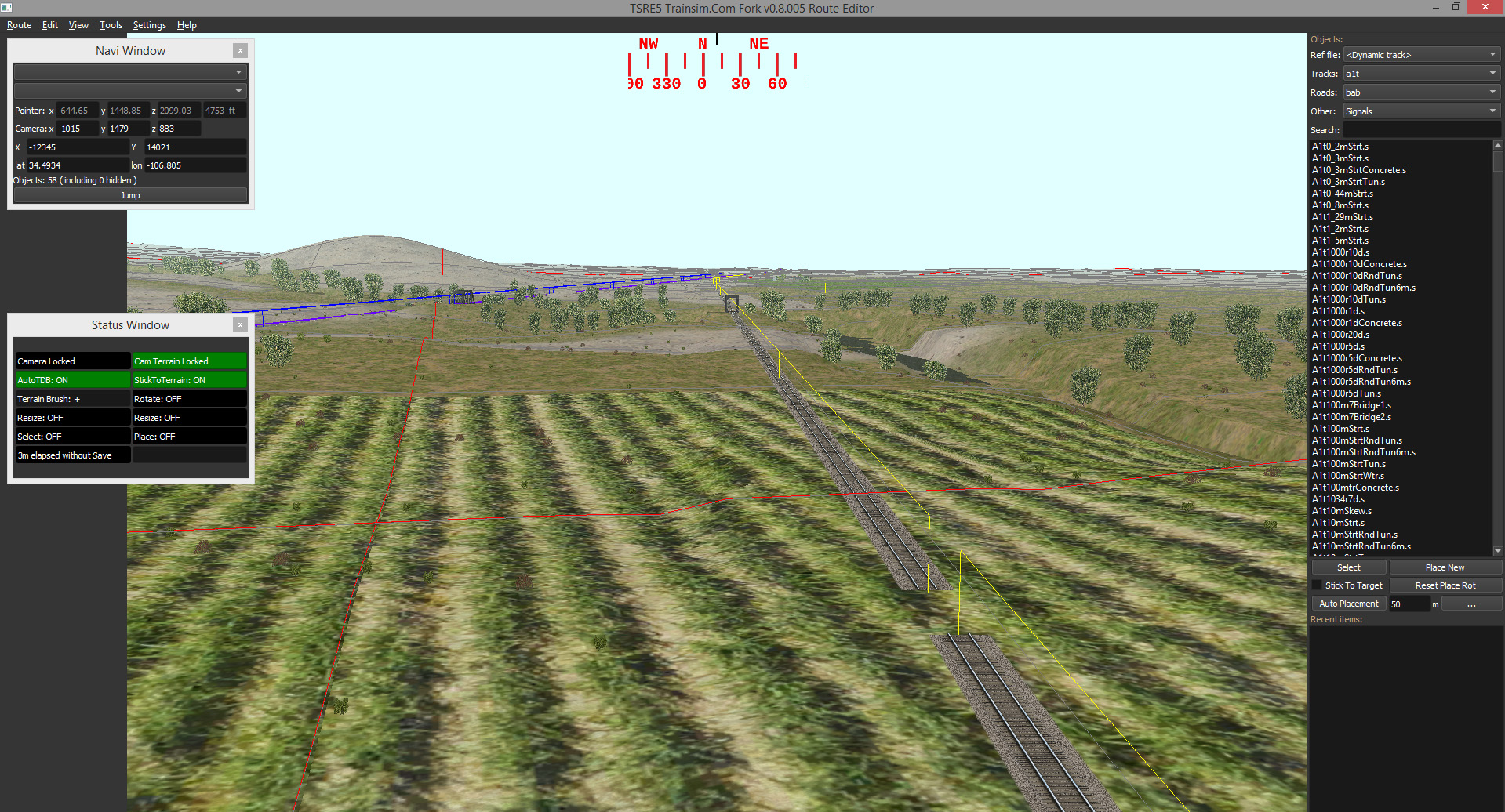
There is however one serious problem that can be seen in the sim, but not in TSRE, terrain spikes. The first are seen not long before the Rio Grande, and then as you leave Rincon heading north, they are seen in sets of four and five in a straight line off to the right of the track. I don't know how far this line of spikes runs as I have not completed my northbound run yet.
Overall, after sorting out a couple of minor problems this is a very nice route, similar in style to those made by Bob Wirth. Thanks Dan for adding to the ATSF mileage.
Those spikes are caused by the film getting out of alignment and being damaged by the sprockets when the film was processed.
Lay a piece of track across them at the base and adjust the terrain to the object.
There is however one serious problem that can be seen in the sim, but not in TSRE, terrain spikes.
Have not yet run this Route, but have seen this phenomena in other Routes, and TSRE and not just spikes but entire sheer cliffs and plateaus where they don't belong as well as water where there shouldn't be any.
Geary "Mr. Hart" Gerhardt - Owner and CEO of Hart Rail Lines, Hart Commuter Railways, and Hart Rail Cars. Also the defunct Hart Electric Transit.
Its Your Train Sim World, sim as you please.
Another problem is in the shape folder. MANY shapes are not compressed, and all but 2 have no distance levels set, or incorrect levels set. In Shape File Manager selecting Distance Levels the shape in question has distance Meters box showing []. This must be a number ( I chose 2000 as a default ) and then click okay. The shape can now be compressed. There are quite a few that need to be done. Also, the JP2signal can't be compressed. This requires the shape file to be edited. I do a CTRL+F and type ] then delete the ] in the shape file. The shape can now be compressed. The other shape is the sp_fmh24-66_3028. I was able to compress using Archibald.
We process personal data about users of our site, through the use of cookies and other technologies, to deliver our services, personalize advertising, and to analyze site activity. We do not share information about our users with anyone. For additional details, refer to our Privacy Policy.
By clicking "I UNDERSTAND" below, you consent to our Privacy Policy and our personal data processing and cookie practices as described therein. You also acknowledge that this forum may be hosted outside your country and you consent to the collection, storage, and processing of your data in the country where this forum is hosted.




Comment