


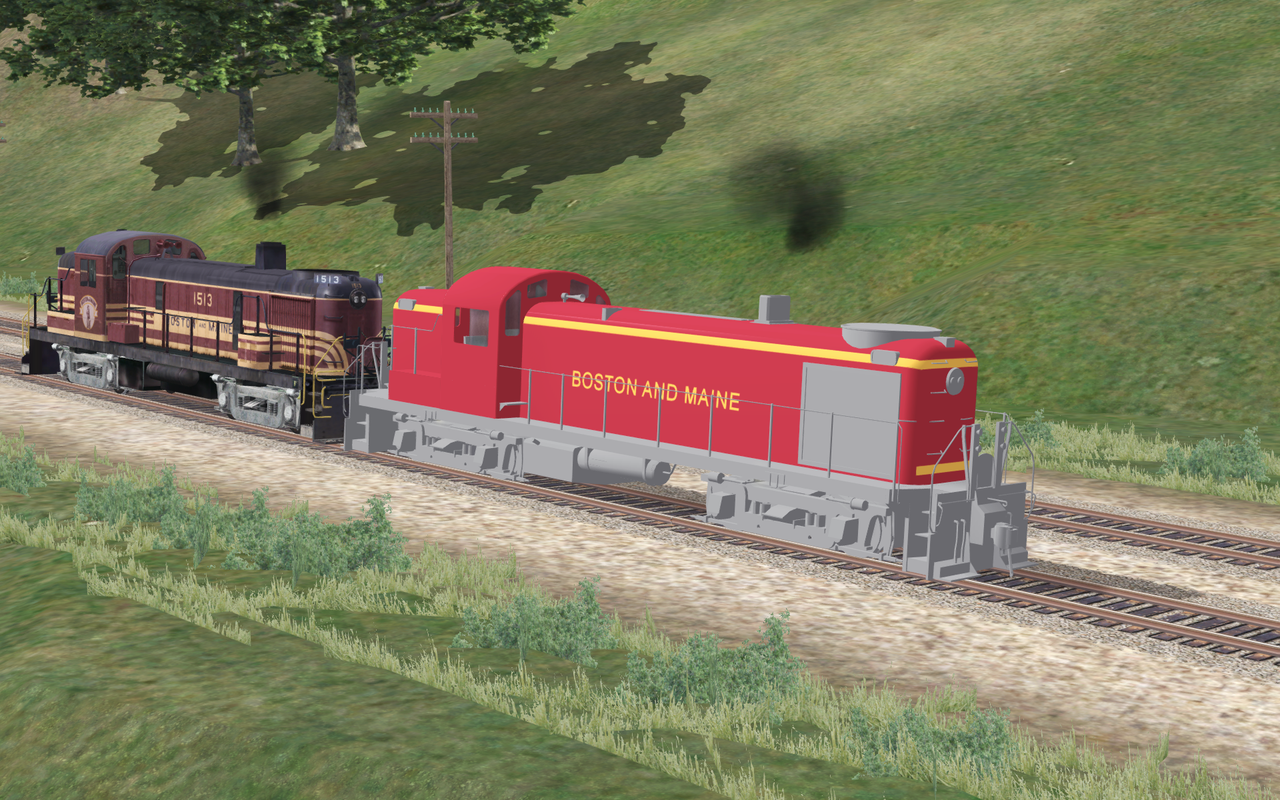
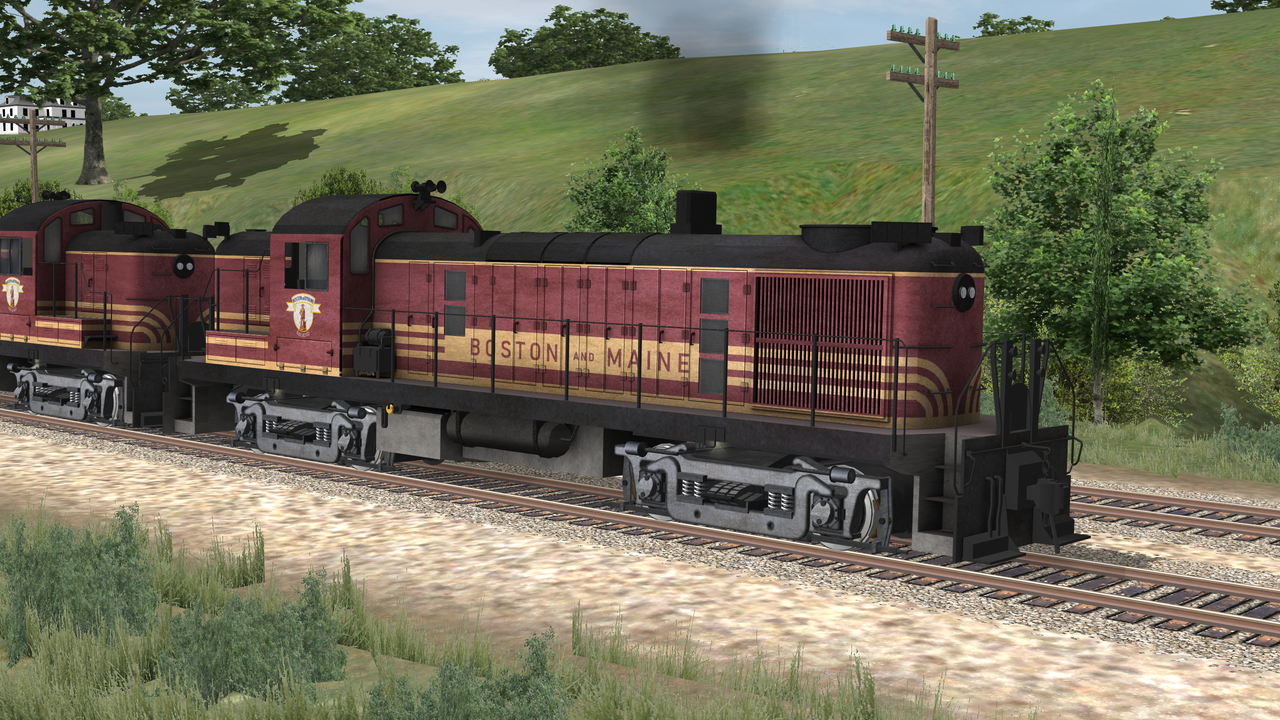
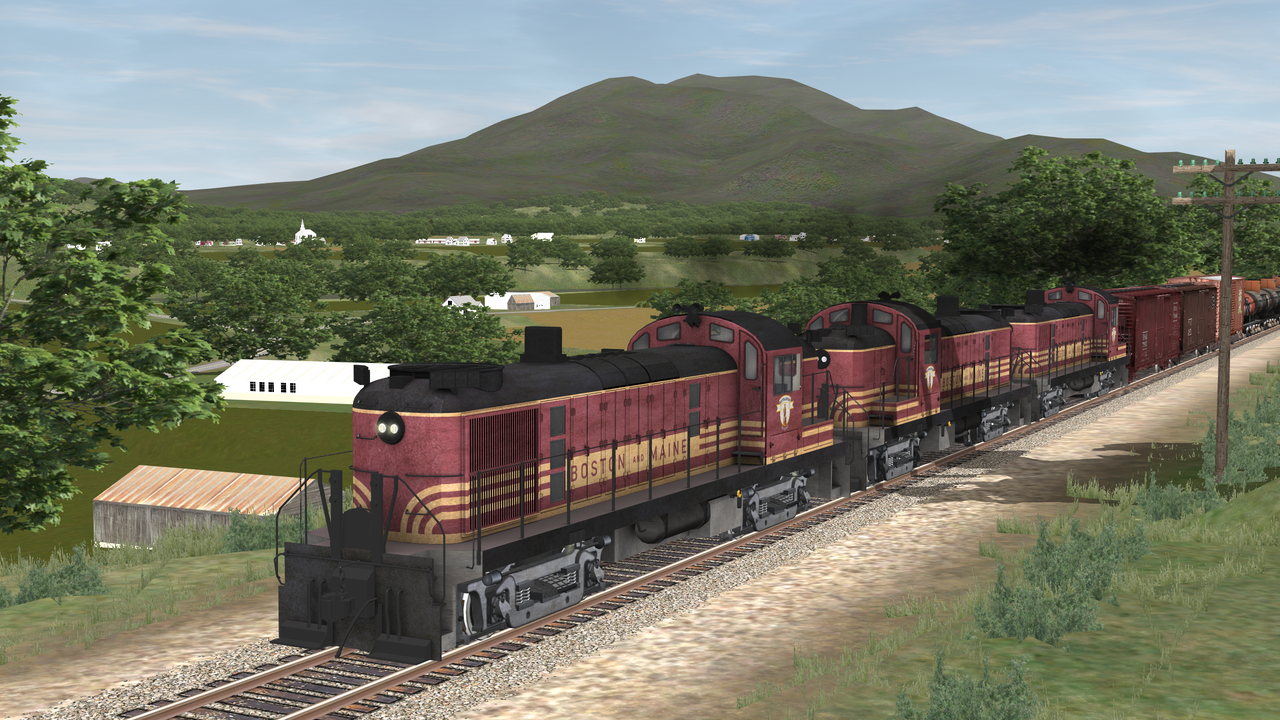
That is looking better all the time....any screen grabs from the OR sim?
The "easy" part is creating the 3D cab.."in the rough"...getting all those needles and levers into place gets tougher, not to mention the animation of those same items.
Adjectives like "nice" do not begin to describe what you have done with Norton's base model. Superb might be a bit extreme, but I lean more towards that word.
Out of all the nice to haves in OR, temperature triggered animations would be nice. The fan you now have running could be cheated into some kind of on/off duty cycle, which would be more realistic. Alas, it might look a bit "wrong" when the engine is pulling a load, and the engine temperature is going up, and your animation stops the fan for awhile. The only way to do that is to hack the animation file post export. I did it a few years back as one of the "ROD" animations, so it was based on the speed of the locomotive. It could speed up/slow/down/stop etc. There were a lot of geometric calculations to mimic that in the animation section. A spreadsheet and some external programming (C/Scripting Language/etc) is needed. Those skills might come in handy with animations in the cab as well.
image.pngimage.pngimage.png
I stole from the best here...apologies to our moderator R.Steele!
Steve
The "easy" part is creating the 3D cab.."in the rough"...getting all those needles and levers into place gets tougher, not to mention the animation of those same items.
Adjectives like "nice" do not begin to describe what you have done with Norton's base model. Superb might be a bit extreme, but I lean more towards that word.
Out of all the nice to haves in OR, temperature triggered animations would be nice. The fan you now have running could be cheated into some kind of on/off duty cycle, which would be more realistic. Alas, it might look a bit "wrong" when the engine is pulling a load, and the engine temperature is going up, and your animation stops the fan for awhile. The only way to do that is to hack the animation file post export. I did it a few years back as one of the "ROD" animations, so it was based on the speed of the locomotive. It could speed up/slow/down/stop etc. There were a lot of geometric calculations to mimic that in the animation section. A spreadsheet and some external programming (C/Scripting Language/etc) is needed. Those skills might come in handy with animations in the cab as well.
image.pngimage.pngimage.png
I stole from the best here...apologies to our moderator R.Steele!
Steve






Comment