Open Rails Stopped Working (file system limitation)

Collapse
X
 
  • Time
  • Show
Clear All
new posts
  • wooohooo
    Senior Member

    • Jul 2008
    • 691
    • Pacific Northwest

    #1

    Open Rails Stopped Working (file system limitation)

    Sometime last week, Open Rails, specifically the activity runner, has stopped working. Regarding on which route or which, it stops working and I receive this "file system limitation" error message.
    Screenshot 2025-06-04 055759.png
    I have tried uninstalling and reinstalling OR, but I get the same error. It makes me wonder if there's something wrong with OR, or if there's wrong with my computer, which I've had for only 18 months without issue.

    Also, here's the log. I really hope I posted in the right forum...
    Attached Files
    Last edited by wooohooo; 06-11-2025, 19:24.
    ~~~~~~
  • geepster775
    2500 Post Veteran


    • Sep 2006
    • 2846
    • .
    • General

    #2
    I seed the dreaded "onedrive" reference in some of your software paths. Configure your computer to avoid such windows controlled 'cloud' folders.

    Since you are still using 2.5 year old stable 1.5.1. nothing has changed with regards to your OR software installation.
    My Open Rails videos https://www.youtube.com/@lakecities3663/videos

    Comment

    • wooohooo
      Senior Member

      • Jul 2008
      • 691
      • Pacific Northwest

      #3
      I really don't understand how OneDrive got involved with Open Rails. 😖
      ~~~~~~

      Comment

      • geepster775
        2500 Post Veteran


        • Sep 2006
        • 2846
        • .
        • General

        #4
        Ever since Windows 10, the OS can be configured to upload various stuff to Onedrive, things you may not be aware of. It was a "feature" added to Win 10 to get the always-bloating OS to still function at a time when many users were upgrading to 10 and still had 128 or 256 GB early-era SSD system drives. System hard drives were getting crowded then, caused by the Win10 launch.

        https://www.trainsim.com/forums/foru...29#post2327929
        My Open Rails videos https://www.youtube.com/@lakecities3663/videos

        Comment

        • crstagg
          4500 Post Veteran


          • Nov 1999
          • 4885
          • Huntsville, AL
          • Texan
          • MSOR

          #5
          Originally posted by wooohooo
          I really don't understand how OneDrive got involved with Open Rails. 😖
          It didn't. Geepster775 may have misread the log.txt. The Path of ...\USERS\....\OneDrive\.....\.... is in the Log but that is the location for storing the Log file.
          LoggingPath = C:\Users\crick\OneDrive\Desktop

          The path of your TrainSim install is C:\ORTS Content\Content That is NOT within the OneDrive folder.
          Charles

          Comment

          • wooohooo
            Senior Member

            • Jul 2008
            • 691
            • Pacific Northwest

            #6
            Now my question is how I should reinstall Open Rails?
            Last edited by wooohooo; 06-12-2025, 19:20.
            ~~~~~~

            Comment

            • derekmorton
              5500 Post Veteran


              • Nov 1999
              • 5699
              • Eltham, Victoria, Australia.
              • ORTS

              #7
              >System.IO.__Error.WinIOError(Int32 errorCode, String maybeFullPath)

              For some reason, the OS does not understand the path.

              Have you moved anything in your install, or added a disk to your system?

              Comment

              • wooohooo
                Senior Member

                • Jul 2008
                • 691
                • Pacific Northwest

                #8
                Originally posted by derekmorton
                >System.IO.__Error.WinIOError(Int32 errorCode, String maybeFullPath)

                For some reason, the OS does not understand the path.

                Have you moved anything in your install, or added a disk to your system?
                None of that happened.

                I apologize if my issue confuses you. 😔
                Last edited by wooohooo; 06-12-2025, 21:38.
                ~~~~~~

                Comment

                • PXSE
                  Senior Member
                  • May 2011
                  • 144

                  #9
                  I don't see where having any google drive, onedrive, other cloud storage, or windows-managed folders involved in anything related to the ORTS program, computer storage of screenshots or logs, can be considered beneficial, since users really have no knowledge of when and what the operating system decides to send up and out to the cloud. Then all of sudden people have issues with programs that they can't explain.

                  Comment

                  • yellowdog
                    1500 Post Veteran


                    • Nov 1999
                    • 1586
                    • .
                    • MSOR

                    #10
                    "Desktop" and "Pictures" are Windows system file locations that are backed up by Onedrive by default. They are also the locations where Open Rails dumps it's logs and screenshots, respectively. This is not a problem.

                    The problem is when people run the ORTS .exe from a system file or a Onedrive folder.

                    Comment

                    • c44d9w
                      Member
                      • May 2010
                      • 58

                      #11
                      The stack trace mentions Data logger. Is data logging enabled in the settings (options)? Might it have been changed recently? What is the path for the data log (I am away and can't check if the path can be set, or if it also defaults to the desktop).

                      Comment

                      • derekmorton
                        5500 Post Veteran


                        • Nov 1999
                        • 5699
                        • Eltham, Victoria, Australia.
                        • ORTS

                        #12
                        Originally posted by yellowdog
                        "Desktop" and "Pictures" are Windows system file locations that are backed up by Onedrive by default.
                        And further to that, if your internet goes off, these programs will fail to run.

                        There is already a bug report for the auto assigned routes from github that cause OR to fail because github cannot be reached.

                        Comment

                        • wooohooo
                          Senior Member

                          • Jul 2008
                          • 691
                          • Pacific Northwest

                          #13
                          Now my question is how should I reinstall Open Rails? Before this issue, I had it set up in the C: Drive with a separate folder for content (trains, routes, etc )
                          ~~~~~~

                          Comment

                          • rdayt
                            1000 Post Veteran

                            • Nov 2007
                            • 1291
                            • SW MO
                            • ORTS

                            #14
                            If you only have a C drive I would do C:/Trains for my content and C:/OR for the openrails program and then C:/TSRE for TSRE.
                            All of the legacy MSTS stuff like RouteRiter, AceIt, &c need to be installed outside of the windows folder hierarchy, ie any folders created by windows, like users, desktop, programs.
                            Current, modern, software like Sketchup, Paintdotnet, Blender can be installed normally using the windows file structure.

                            My 2¢.
                            Randy

                            Comment

                            • wooohooo
                              Senior Member

                              • Jul 2008
                              • 691
                              • Pacific Northwest

                              #15
                              I should've posted this sooner, but as of right now, I have Open Rails back up and running.

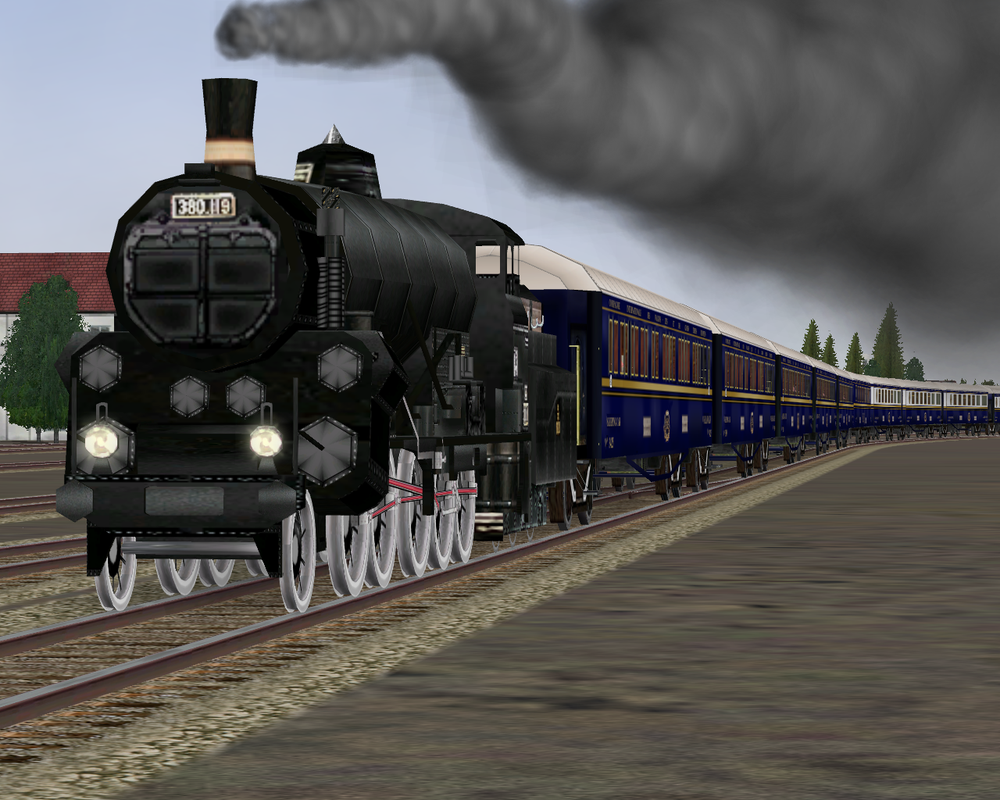
                              Before I imported my massive content over, I decided to do a test run with one route and one train. Those being the default Innsburck-St. Anton and Gölsdorf 380.


                              However, I have logging turned off as I'm afraid turning it back on might cause problems again. Is there a way to set the logging file in a different folder location? Preferably away from OneDrive folders?
                              ~~~~~~

                              Comment

                              Working...