"Missing" Ai Trains in Activitiys.

Collapse
X
 
  • Time
  • Show
Clear All
new posts
  • RobGuru
    Senior Member

    • Jun 2020
    • 283
    • USA
    • MSOR

    #1

    "Missing" Ai Trains in Activitiys.

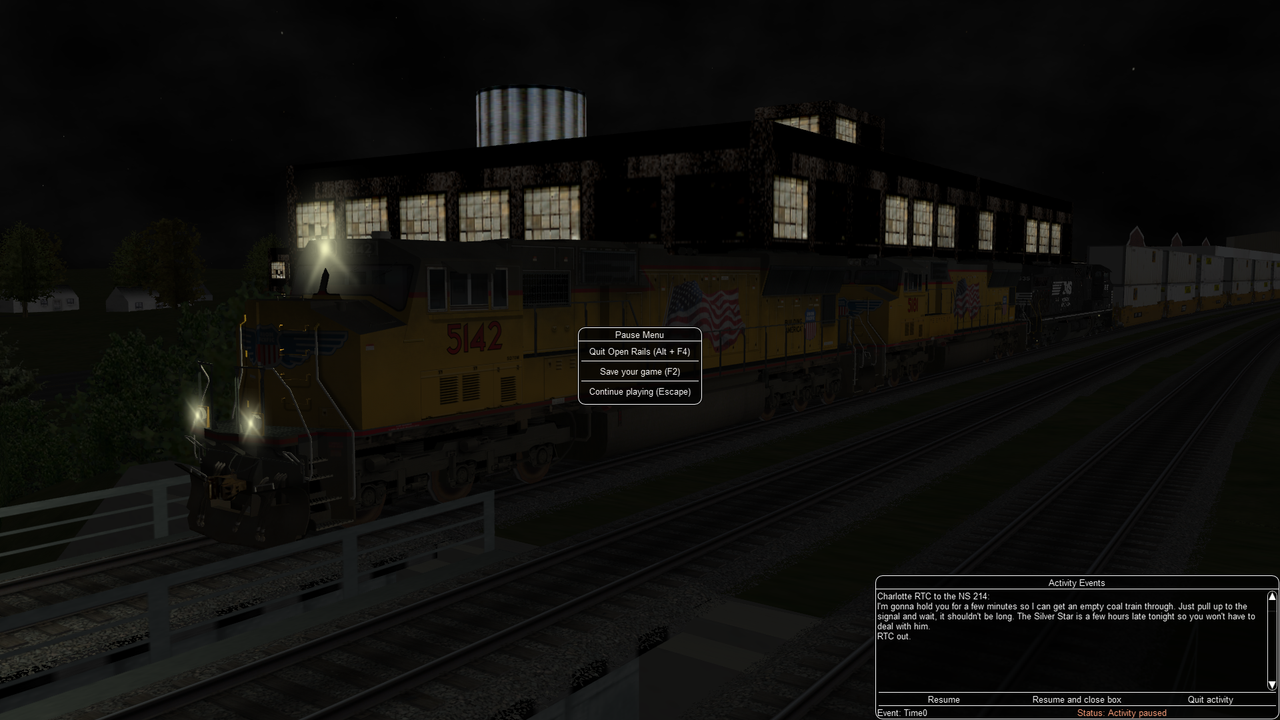
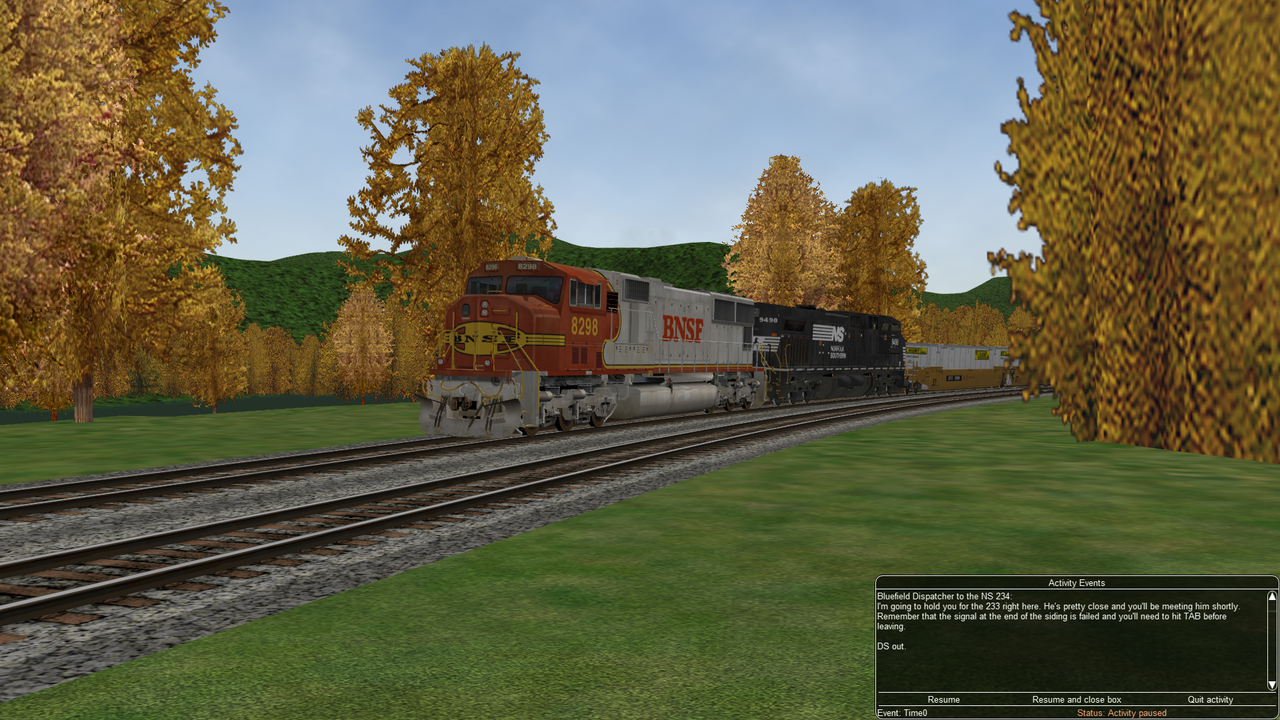
    • I am having trouble with these activities NS 214, NS 234, BNSF Ballast Extra.
    • There seems to be no Al traffic in the activity.
    • Is there any way to fix it?
  • amtrak115
    Senior Member

    • Oct 2005
    • 289
    • Parker, TX
    • General

    #2
    might need a little more info....is this a downloaded activity, an activity in a route...what route.....

    Comment

    • RobGuru
      Senior Member

      • Jun 2020
      • 283
      • USA
      • MSOR

      #3
      might need a little more info....is this a downloaded activity, an activity in a route...what route.....
      These are downloaded activities for Pocahontas, NC Piedmont, Marias Pass 3.1.
      Btw I like you Chief activities.

      Comment

      • slipperman
        3500 Post Veteran


        • May 2010
        • 3787
        • Worksop, UK
        • MSOR

        #4
        Hi Rob,
        Are you running in Explore mode instead of selecting an activity to run?

        If you're running an activity, have you downloaded and correctly installed all the stock required for that activity?

        Ged

        Comment

        • RobGuru
          Senior Member

          • Jun 2020
          • 283
          • USA
          • MSOR

          #5
          Yes, I downloaded and correctly installed all the stock required for the activities.

          Comment

          • wmuzeke
            Member


            • Jan 2021
            • 87
            • Sacramento, CA
            • General

            #6
            I've run 2 of those activities and there was definitely AI traffic. If you haven't already use the MSTS Activity Manager - msts_actman_v4-0.zip in the TrainSim file library. Run it and it will tell you if anything is missing from your consists and rolling stock. It checks both the .con and .act files.

            Comment

            • crstagg
              4500 Post Veteran


              • Nov 1999
              • 4885
              • Huntsville, AL
              • Texan
              • MSOR

              #7
              Post you ORTS Log file. After running an activity if you think AI and/or Loose consists were not shown, check the Log file and it will report missing trainset items.
              Charles

              Comment

              • RobGuru
                Senior Member

                • Jun 2020
                • 283
                • USA
                • MSOR

                #8
                The coal train does not show up.

                Comment

                • RobGuru
                  Senior Member

                  • Jun 2020
                  • 283
                  • USA
                  • MSOR

                  #9
                  The 233 does not show up.

                  Comment

                  • R. Steele
                    3500 Post Veteran

                    • Feb 2013
                    • 3928
                    • known universe
                    • ORTS

                    #10
                    We believe you, AI traffic is missing, however...The screenshots are not helpful...not to the point.

                    Please post the OR log generated during an activity that is missing AI traffic, and also, as suggested in post#6 ---- run the activity through slipperman's
                    MSTS Activity Manager - msts_actman_v4-0.zip in the TrainSim file library
                    .
                    Cheers, Gerry
                    "A mind is like a parachute. It doesn't work if it is not open." Frank Zappa
                    It's my railroad and I'll do what I want! Historically accurate attitude of US Railroad Barons.
                    Forever, ridin' drag in railroad knowledge.
                    Audi, Vide, Tace, Si Vis Vivere In Pace​

                    https://www.trainsim.com/forums/filedata/fetch?filedataid=79656&type=medium​ https://www.trainsim.com/forums/filedata/fetch?filedataid=79654&type=small

                    Comment

                    • RobGuru
                      Senior Member

                      • Jun 2020
                      • 283
                      • USA
                      • MSOR

                      #11
                      Could it be the Traffic and Service files?
                      I already ran the activities thru Activity Manager.
                      Last edited by RobGuru; 10-06-2023, 13:56.

                      Comment

                      • slipperman
                        3500 Post Veteran


                        • May 2010
                        • 3787
                        • Worksop, UK
                        • MSOR

                        #12
                        .... AND, did MSTS_ActMan report anything missing??

                        If not, then I suggest that you are looking in the wrong place, or at the wrong time, for the AI trains!

                        Ged

                        Comment

                        • RobGuru
                          Senior Member

                          • Jun 2020
                          • 283
                          • USA
                          • MSOR

                          #13
                          Activity Manager did not report anything missing.
                          Could it be the Path Files?

                          Comment

                          • slipperman
                            3500 Post Veteran


                            • May 2010
                            • 3787
                            • Worksop, UK
                            • MSOR

                            #14
                            No, mate, if nothing's reported, then nothing's missing (unless the program's gone horribly wrong)!! Have you checked what time the AI trains are supposed to appear?
                            In the .act file, look at each 'Service_Definition' line under 'Traffic_Definition'; the number at the right end of the line is the start time for that service, in seconds. Note that is the time it begins its journey, NOT the time it will be seen by the Player!

                            If you use my ActivityTimesChanger (activitytimeschanger_v2_0_zip.zip), you can see the actual start time for each of the activity's AI trains.

                            Of course, if they are MSTS activities, it's possible that the AI trains may not run at exactly the same times when run in Open Rails, in which case my utilities won't be of much help!

                            Cheers,
                            Ged

                            EDIT : Sorry, Gerry, just seen your subsequent post!
                            Last edited by slipperman; 10-06-2023, 15:44.

                            Comment

                            • derekmorton
                              5500 Post Veteran


                              • Nov 1999
                              • 5699
                              • Eltham, Victoria, Australia.
                              • ORTS

                              #15
                              You have yet to attach a log file from a run with no AI trains?

                              NS 234 has 5 AI trains.
                              Last edited by derekmorton; 10-06-2023, 15:34. Reason: extra information

                              Comment

                              Working...