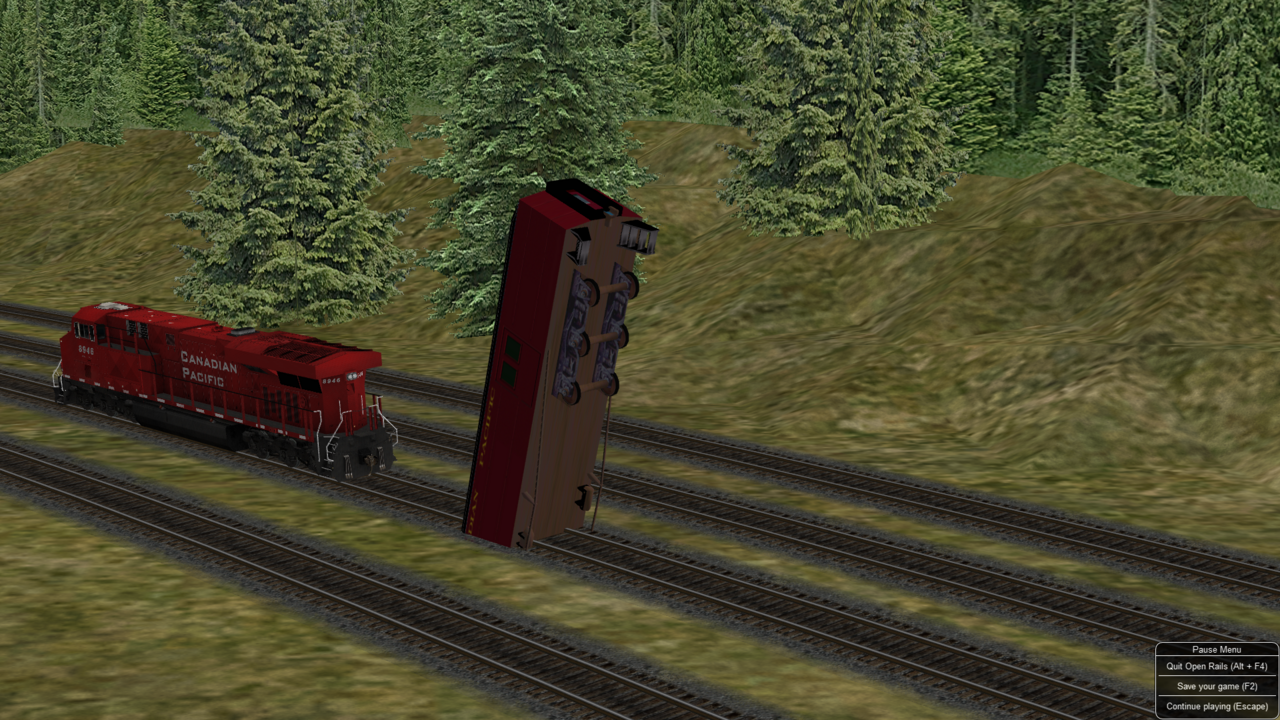
I am having trouble with this baggage car. Any advice on how to fix this? The whole baggage car rotates vertically around the middle of the car. It rotates faster as the locomotive speeds up. Open-Rails-2023-09-05-11-40-12.png
Thats a really tiny picture posted for us to see anything.
Whats the specific baggage car you are referring to, and what version of ORTS are you using?
I am having trouble with this baggage car. Any advice on how to fix this? The whole baggage car rotates vertically around the middle of the car. It rotates faster as the locomotive speeds up. Open-Rails-2023-09-05-11-40-12.png
Sounds like what my Railworks engine does I designed...... Spins around like a top and then takes flight landing in the next country........ Still haven't figured out how to fix it. You need to post a bigger image and detail what passenger car this is.
Something is seriously messed up in the shape hierarchy if it's rotating the body like it is part of the axle...
Hard to say if anyone will be able to fix that without the actual 3D source for the model.
Where did you download it, and is this perhaps something that somebody perhaps tried to convert from another simulator or tried modifying the shape to swap textures or adjust dimensions?
Sent from my SM-S911U using Tapatalk
If you like what you see here at Trainsim.com, be it the discussions and knowledge in the forums, or items available in our library, I hope you'll consider a paid membership to help support keeping the site operating.... Thanks!
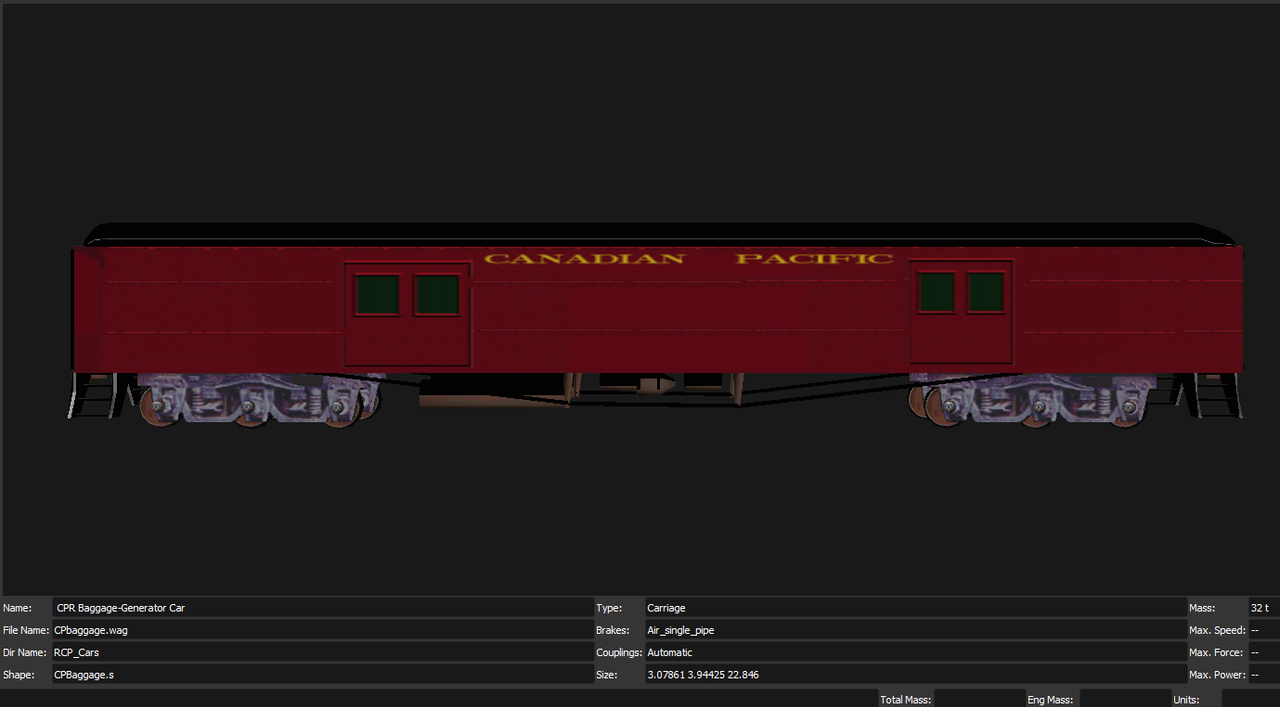
Just "CP baggage car" is insufficient. If you really want help you need to provide the filename. Even better would be to provide the ZIP filename and where you obtained the file.
This has been a long-standing problem. The offending cars are CPbaggage, CPheavynew and NR_Crump. I have a recollection that way back in the early days (would have been pre-2008 when I lost the core of my set-up) someone had a fix for this, but maybe I'm misremembering. Sorry I don't know enough to suggest the fix.
I had this problem with a HWCX car a good while back. A solution was found when I posted to Elvas tower.
I used Shape Viewer to open the file, then move down to the lod_controls section. From there, open out in sequence, lod_controls, lod_control, distance_levels and then both distance_level sections. Now delete the second one "lod control". Next click on dlevel:selection: and change it to 2000. You can go larger, depends on how far out you want to see it. Now go up to numDLevs:2 and change that to 1. Now Save and you are good to go.
Let me know if this works.
AJ
Last edited by asteph627; 09-06-2023, 12:17.
Reason: Unable to upload image
We process personal data about users of our site, through the use of cookies and other technologies, to deliver our services, personalize advertising, and to analyze site activity. We do not share information about our users with anyone. For additional details, refer to our Privacy Policy.
By clicking "I UNDERSTAND" below, you consent to our Privacy Policy and our personal data processing and cookie practices as described therein. You also acknowledge that this forum may be hosted outside your country and you consent to the collection, storage, and processing of your data in the country where this forum is hosted.






Comment