Northeast Corridor, Surfliner, and other real-world timetables

Collapse
This topic is closed.
X
X
 
  • Time
  • Show
Clear All
new posts
  • rman
    Member
    • Nov 2011
    • 99
    • California, USA

    #1

    Northeast Corridor, Surfliner, and other real-world timetables

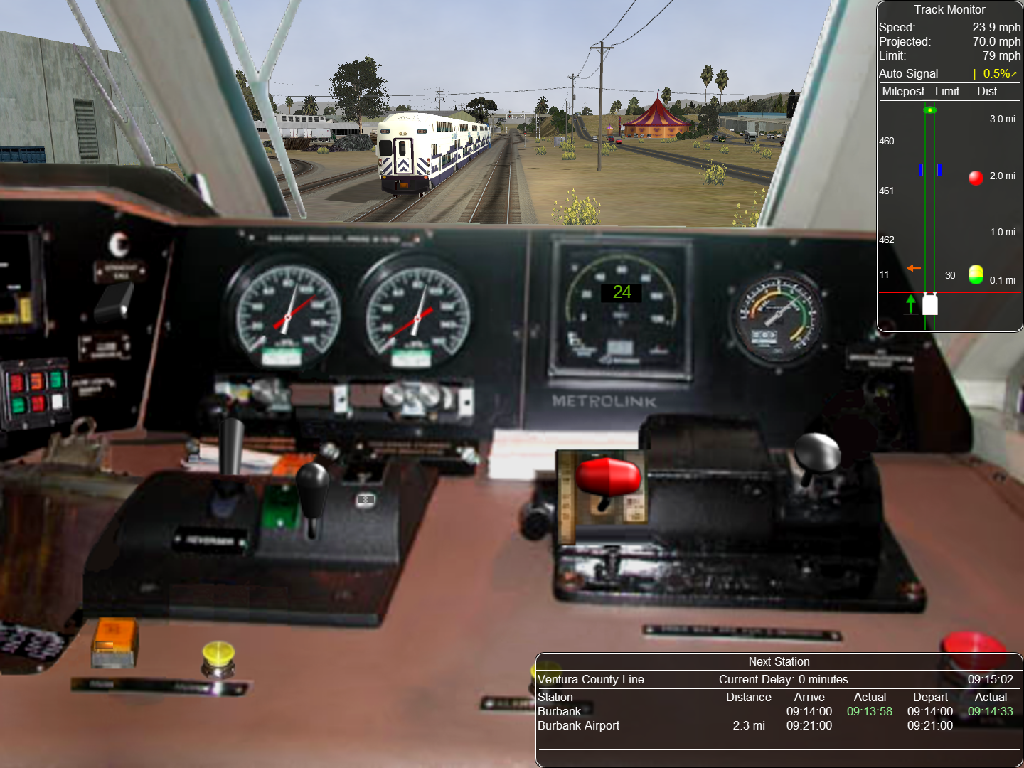
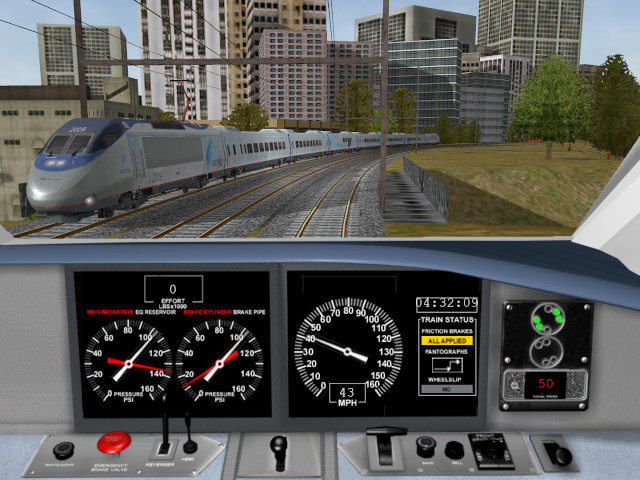
    Hi folks! I'm still around, believe it or not, and I've had a lot of fun playing with Open Rails' timetable function. I was inspired to write "autotable," a program that converts real-world transit schedules (in machine-readable GTFS format) into timetables for the simulator. Trains just phase in and out at the ends of their runs, so the result isn't as complete as a hand-crafted timetable with pooled trains and service maneuvers, but it's still a blast to run busy passenger routes with authentic traffic and rolling stock.

    You can find my work on GitHub. As of March 17, 2020 there are timetables for the following routes:
    • Leeds, Settle & Carlisle 2.0 (Northern)
    • Marias Pass 5 (Amtrak)
    • Surfliner 2.3 (Amtrak, Metrolink, Coaster)
    • Northeast Corridor v4 (Amtrak, SEPTA, MARC)


    Happy railroading!


  • gammaray84
    Senior Member
    • Dec 2018
    • 180

    #2
    I have been trying to use these files, but i get lots of errors. I understand that i have to use Autotable to convert files.
    When i try to install Autotable, i get missing files from packegs.... Even this is very painfull to install. Don't know why.
    Using windows 10. I am very confused about converting/using files.
    Is there a simple way to do this? Can you provide some instructions other that on Github?
    From instructions from Github, i did try to follow exactly how to install Python and packages that are requierd. About Freeze pack, got it and its not working....
    So, can you post a converted files? Thank You.

    Comment

    • rman
      Member
      • Nov 2011
      • 99
      • California, USA

      #3
      Plain old timetable files are available on the Actions page. (You need to be signed in to GitHub to view it.) And if you are still interested in running autotable, the releases page has a prebuilt exe.

      Comment

      • gammaray84
        Senior Member
        • Dec 2018
        • 180

        #4
        Ok, i have found those timetable file and they are working well. Thank You.
        I am going to give it a try one more time runing Aoutotable. I am still interestet about using it, but, i have an idea how it all works. I got very little back ground about this. I have used Linux before, i had server running for my stuff. That was about 5 years ago. So i do not use it as much and that knowledge goes out of your brain fast....

        Anyway, thank you for this. I really like timetables that follow real time events.
        Have a good one

        Comment

        • rman
          Member
          • Nov 2011
          • 99
          • California, USA

          #5
          It's simple enough to use if you are handy with the command prompt. cd to the autotable-1.0-amd64\ directory, type autotable.exe, click-and-drag the MSTS install/mini-route directory as the first argument, click-and-drag the recipe YAML as the second argument.

          Comment

          • curley
            Member
            • Sep 2006
            • 65
            • San Diego

            #6
            I gave autotable a try and and I got this error:

            C:\Users\train\Desktop\autotable>autotable.exe "C:\MSTS" "C:\Users\train\Desktop\autotable\samples\EURO PE1 - Northern - Mon Dec 2019.yaml"
            Loading MSTS/ORTS installation ...
            Reading recipe ...
            concurrent.futures.process._RemoteTraceback:
            """
            Traceback (most recent call last):
            File "C:\Users\ra_yo\AppData\Local\Programs\Python\Pyth on38\lib\concurrent\futures\process.py", line 239, in _process_worker
            File "C:\Users\ra_yo\AppData\Local\Programs\Python\Pyth on38\lib\concurrent\futures\process.py", line 198, in _process_chunk
            File "C:\Users\ra_yo\AppData\Local\Programs\Python\Pyth on38\lib\concurrent\futures\process.py", line 198, in <listcomp>
            File "C:\Users\ra_yo\Documents\autotable\autotable\msts install.py", line 66, in __init__
            StopIteration
            """

            The above exception was the direct cause of the following exception:

            Traceback (most recent call last):
            File "C:\Users\ra_yo\AppData\Local\Programs\Python\Pyth on38\lib\concurrent\futures\_base.py", line 611, in result_iterator
            File "C:\Users\ra_yo\AppData\Local\Programs\Python\Pyth on38\lib\concurrent\futures\_base.py", line 432, in result
            File "C:\Users\ra_yo\AppData\Local\Programs\Python\Pyth on38\lib\concurrent\futures\_base.py", line 388, in __get_result
            StopIteration

            The above exception was the direct cause of the following exception:

            Traceback (most recent call last):
            File "C:\Users\ra_yo\Documents\autotable\venv\lib\s ite-packages\cx_Freeze\initscripts\__startup__.py", line 40, in run
            File "C:\Users\ra_yo\Documents\autotable\venv\lib\s ite-packages\cx_Freeze\initscripts\Console.py", line 37, in run
            File "autotable/main.py", line 517, in <module>
            File "autotable/main.py", line 100, in main
            File "autotable/main.py", line 120, in load_config
            File "C:\Users\ra_yo\Documents\autotable\autotable\msts install.py", line 140, in route
            File "C:\Users\ra_yo\Documents\autotable\autotable\msts install.py", line 137, in routes
            File "C:\Users\ra_yo\Documents\autotable\autotable\msts install.py", line 137, in <dictcomp>
            File "C:\Users\ra_yo\AppData\Local\Programs\Python\Pyth on38\lib\concurrent\futures\process.py", line 484, in _chain_from_iterable_of_lists
            RuntimeError: generator raised StopIteration
            Ryan

            Comment

            • rman
              Member
              • Nov 2011
              • 99
              • California, USA

              #7
              So what the program is trying to do is locate the C:\MSTS\ROUTES directory, but it seems to be nonexistent. Do you have multiple mini-installs under your C:\MSTS folder? If so, then you need to point autotable to a particular mini-install.

              Comment

              • gammaray84
                Senior Member
                • Dec 2018
                • 180

                #8
                Originally posted by curley
                I gave autotable a try and and I got this error:
                Yep this is the exact same thing i get....
                And i have Routes located in MSTS dir.
                in my case it is h:\msts\routes
                but as i stated above, same error lines.

                Comment

                • curley
                  Member
                  • Sep 2006
                  • 65
                  • San Diego

                  #9
                  Originally posted by rman
                  So what the program is trying to do is locate the C:\MSTS\ROUTES directory, but it seems to be nonexistent. Do you have multiple mini-installs under your C:\MSTS folder? If so, then you need to point autotable to a particular mini-install.
                  No, this is just the base game. Guess I can make a mini-route and try that.
                  Ryan

                  Comment

                  • rman
                    Member
                    • Nov 2011
                    • 99
                    • California, USA

                    #10
                    Hmm, it should have worked for both of you. I will look into this tomorrow.

                    Comment

                    • Shawmut
                      Senior Member

                      • Oct 2008
                      • 548
                      • Albuquerque, New Mexico, USA
                      • General

                      #11
                      Hi Ryan,

                      Worked perfectly for me; nothing wrong with your files. It took me a little while to figure out what a "recipe" was (it's the .yaml file); always helpful to explain jargon to new users. Other than that all I had to do was follow your instructions to the letter:

                      1. I drilled to my "autotable-1.0-amd64" directory ...
                      2. Typed in autotable.exe followed by a space (then I DID NOT HIT ENTER! because if you do you'll screw it up!) ...
                      3. I then dragged and dropped my NEC4 mini-route folder to the command prompt window followed by a space ...
                      4. Then I dragged and dropped the .yaml file I wanted from NEC4's Activities\OpenRails folder ...
                      5. I then went back to the command prompt window and clicked on it to make it the active window again ...
                      6. And then, and ONLY then, did I hit Enter.

                      Your program gurgled and bubbled for a bit and then ... Voila! A new .timetable-or file appeared. I closed the command prompt window, fired up OR, and off we went!

                      Many thanks for your work and for sharing it with us!

                      David
                      Last edited by Shawmut; 03-19-2020, 08:31. Reason: clarification

                      Comment

                      • R. Steele
                        3500 Post Veteran

                        • Feb 2013
                        • 3928
                        • known universe
                        • ORTS

                        #12
                        For general use a GUI might solve the problems
                        Cheers, Gerry
                        "A mind is like a parachute. It doesn't work if it is not open." Frank Zappa
                        It's my railroad and I'll do what I want! Historically accurate attitude of US Railroad Barons.
                        Forever, ridin' drag in railroad knowledge.
                        Audi, Vide, Tace, Si Vis Vivere In Pace​

                        https://www.trainsim.com/forums/filedata/fetch?filedataid=79656&type=medium​ https://www.trainsim.com/forums/filedata/fetch?filedataid=79654&type=small

                        Comment

                        • gammaray84
                          Senior Member
                          • Dec 2018
                          • 180

                          #13
                          So, i guess if you don't have mini-route, it will not work?

                          Comment

                          • rman
                            Member
                            • Nov 2011
                            • 99
                            • California, USA

                            #14
                            Folks, if you just want to play my timetables, there's no need to touch autotable.exe. You can download ready-made .timetable-or files from here. (GitHub sign-in required, unfortunately; it's not up to me. I can upload to somewhere else by request.) autotable is for developers. You would use it to modify information that's specified in the base recipe, like consist and path names, station wait times, and speed limits - or to build a new timetable for another route.

                            Was I perhaps not clear enough in the repository text? Do you think I should clarify?

                            Comment

                            • curley
                              Member
                              • Sep 2006
                              • 65
                              • San Diego

                              #15
                              Originally posted by rman
                              Folks, if you just want to play my timetables, there's no need to touch autotable.exe. You can download ready-made .timetable-or files from here. (GitHub sign-in required, unfortunately; it's not up to me. I can upload to somewhere else by request.) autotable is for developers. You would use it to modify information that's specified in the base recipe, like consist and path names, station wait times, and speed limits - or to build a new timetable for another route.

                              Was I perhaps not clear enough in the repository text? Do you think I should clarify?
                              Oh no, it was clear what was needed to download the actual timetables. I already had a Github account so it wasn't a problem for me. I wanted to use autotable for the very reason you said. I like the idea and it would be great to use on some routes like Cajon 4.2 and heavy commuter routes like some of the UK and Indian Railways ones, just a little interesting that it seems to only work on mini-routes. Not really a big deal for me as I need to organize some stuff in my MSTS folder to clear up some space.
                              Ryan

                              Comment

                              Working...